Simple Ways to Organize Your Cords and Tame Cable Chaos
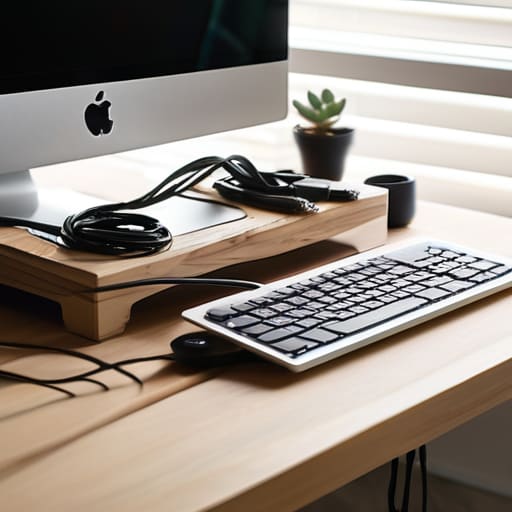
I was sitting on my floor last Tuesday, halfway through cleaning a vintage mechanical keyboard, when I realized I couldn’t even see the floor anymore—just a literal nest of black wires snaking out from under my desk. It’s that specific kind of visual noise that makes you feel like your brain is running too many tabs at once. Most people think you need to spend a fortune on expensive, high-tech docking stations to fix it, but that’s a lie. Real cable management diy isn’t about buying a sleek, minimalist setup that looks like a showroom; it’s about stopping the chaos from swallowing your workspace whole.
I’m not here to give you a lecture on interior design or tell you to spend your entire paycheck on cable trays. Instead, I want to show you how to use stuff you probably already have—or can grab for five bucks at a hardware store—to reclaim your desk. We’re going to walk through some low-effort, high-impact ways to untangle the mess and keep it that way. This is about small, sustainable wins that make your Monday morning feel a little less heavy. Let’s get to work.
Guide Overview
Tools & Supplies
- Scissors or wire cutters for trimming ties
- Label maker for identifying cable ends
- Velcro cable ties (1 pack)
- Cable management sleeves or raceways (2-3 units)
- Adhesive cable clips (1 pack)
- Power strip/Surge protector (1 unit)
Step-by-Step Instructions
- 1. Before you touch a single wire, you need to do a full “unplug and audit.” I know, it sounds like a massive headache, but if you try to organize a live mess, you’ll just end up frustrated. Pull everything out from behind your desk and lay it all on the floor. Grab my physical notebook and label each cord with a piece of masking tape so you actually know which one belongs to your monitor and which one is just a random charger you haven’t used since 2021.
- 2. Once you know what’s what, it’s time to tackle the “power hub.” Most of the chaos comes from that one giant power strip sitting in a pile of dust. I like to use heavy-duty command strips or even some simple mounting tape to secure the strip to the underside of my desk or the back of a desk leg. Getting that heavy plastic block off the floor is the fastest way to make your space feel instantaneously cleaner.
- 3. Now, let’s deal with the actual spaghetti. Instead of trying to hide every single cord in a bulky plastic box, I prefer using velcro cable ties. They are a total lifesaver because, unlike those cheap plastic zip ties, you can actually undo them when you need to move your laptop or swap out a peripheral. Group your cables by destination—like all the wires going to your PC in one bundle, and all the peripheral wires in another—and wrap them tight.
- 4. For the cables that have to travel across the floor or up a desk leg, don’t just let them dangle. Grab some adhesive cable clips or even just a bit of clear command cord organizer. Run the wires along the existing edges of your desk or furniture. It makes the setup look intentional and sleek rather than looking like a tech graveyard in the middle of your room.
- 5. If you’ve got a few extra long cables that are just looping around uselessly, don’t just coil them into a messy knot. Use a bit of “cable slack management.” Take the excess length, coil it into a neat circle, and secure it with a velcro strap. You can even tuck these coils into a small basket or a dedicated cable management tray under the desk to keep things completely out of sight.
- 6. Finally, do a “stress test” before you call it a day. Plug everything back in one by one and make sure you aren’t putting too much tension on any of the ports. There is nothing worse than spending an hour organizing only to realize you can’t reach your charging port because you tucked the cord too far back. It’s all about finding that sweet spot between tidy and functional.
Using Velcro Straps for Cables to Simplify Your Tuesday
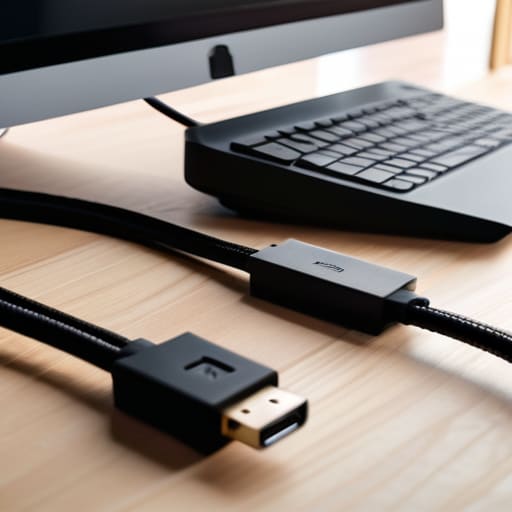
If you’re anything like me, you probably have a “junk drawer” of random plastic zip ties sitting somewhere in your apartment. Honestly? Put them away. Zip ties are a trap because once you tighten them around a bundle of cords, you’re basically committing to that setup forever. If you decide to swap out your mouse or move your monitor, you’re stuck cutting through plastic and risking a snag. Instead, I’ve leaned heavily into using velcro straps for cables because they actually play nice with the chaos of real life. They’re reusable, they don’t bite, and they let you adjust things on the fly when a project shifts.
I like to think of velcro as the “low-stakes” way to handle cord management for home office setups. You don’t need to go full carpenter and start a massive cable raceway installation just to feel organized. Just grab a roll of velcro tape, bundle your power bricks together, and loop them around the legs of your desk. It’s one of those tiny, mindless wins that makes your workspace feel less like a frantic tech lab and more like a place where you can actually focus. It’s not about perfection; it’s just about making sure your Tuesday doesn’t involve untangling a knot of wires every time you need to plug in your laptop.
Smart Under Desk Cable Management Solutions That Actually Stick
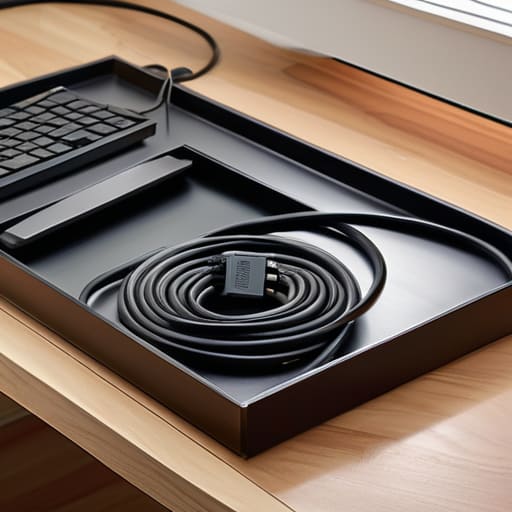
If you’re staring at a literal “spaghetti monster” of wires hanging from the underside of your desk, don’t panic. You don’t need to be an electrician to fix this; you just need to stop treating your cables like an afterthought. One of my favorite under desk cable management solutions is the humble cable tray. You can find cheap metal ones that screw right into the bottom of your desk, creating a dedicated “shelf” for your power strips and bulky bricks. It’s a game-changer because it moves the chaos out of your line of sight and keeps everything off the floor where it usually just collects dust and cat hair.
If a tray feels like too much of a project for a random Tuesday, try focusing on hiding computer wires using adhesive cable clips. I use these for my peripheral cords—keyboard, mouse, and charger—to keep them from sliding off the desk every time I move. It’s a small, low-effort way of decluttering workstation wires that makes a massive difference in how your space feels. The goal isn’t perfection or a Pinterest-ready setup; it’s just about making sure you aren’t tripping over a cord when you’re trying to grab a coffee.
Five Low-Stakes Hacks to Stop the Cord Chaos
- Label everything with a piece of masking tape. I know, it’s not “aesthetic,” but when you’re frantically trying to unplug your router at 11 PM, knowing exactly which black cord is which is a total lifesaver.
- Use binder clips to keep your chargers from sliding off the desk. Just clip one to the edge of your table and thread your USB cable through the silver loops; it keeps your setup from looking like a graveyard of fallen wires.
- Group your cables by “zones.” Instead of seeing one giant mess, treat your power strip, your monitor cables, and your peripheral wires as three separate, manageable little projects.
- Don’t aim for perfection; aim for “not touching the floor.” If you can get the wires off the ground and tucked behind a leg or a bracket, you’ve already won 80% of the battle.
- Keep a small “tech bin” nearby. Instead of letting extra long cords coil up under your feet, roll them neatly and toss them in a dedicated box so they aren’t part of your daily visual clutter.
The Low-Stakes Summary
Don’t aim for a Pinterest-perfect setup in one go; just focus on untangling the one knot that’s actually driving you crazy right now.
Invest in reusable tools like Velcro straps instead of permanent fixes, because your tech setup is going to change, and you’ll want that flexibility.
Remember that a tidy desk isn’t about aesthetics—it’s about removing the tiny visual distractions that make a busy Tuesday feel even more chaotic.
The Small Win of a Clean Setup
At the end of the day, you don’t need to spend an entire weekend building a custom wooden cable trough or buying every expensive gadget on the market. Whether you just grabbed some basic Velcro straps to keep your charger from sliding behind the nightstand or finally tackled that terrifying knot of wires under your desk with some simple clips, you’ve done the work. It’s about moving away from that visual noise that eats at your focus every time you sit down to work. By implementing these small, manageable fixes, you’ve turned a chaotic tangle into a workspace that actually supports your workflow rather than distracting from it.
I know it feels like a tiny thing—just some plastic and fabric tucked out of sight—but there is a real, quiet power in organizing your immediate environment. When your desk isn’t fighting you, your brain feels a little more settled, too. Don’t feel pressured to reach some impossible standard of perfection; just aim to make your space a little more functional than it was yesterday. After all, we aren’t trying to redesign our entire lives; we’re just trying to make sure that when Tuesday rolls around, our gear is ready to go and our minds are actually free to get things done.